Checkout Mendix 8 App
Mendix 8 Support
Low-Ops platform utilizes private Git repositories to store Mendix application source code.
Mendix Studio Pro versions before 9 are compatible only with SVN (Version Control System) and do not support Git. Consequently, Git command line interface is employed for committing and pushing changes to remote repositories.
Follow steps below to push your changes to the remote repository
- Download and install Git-Bash.
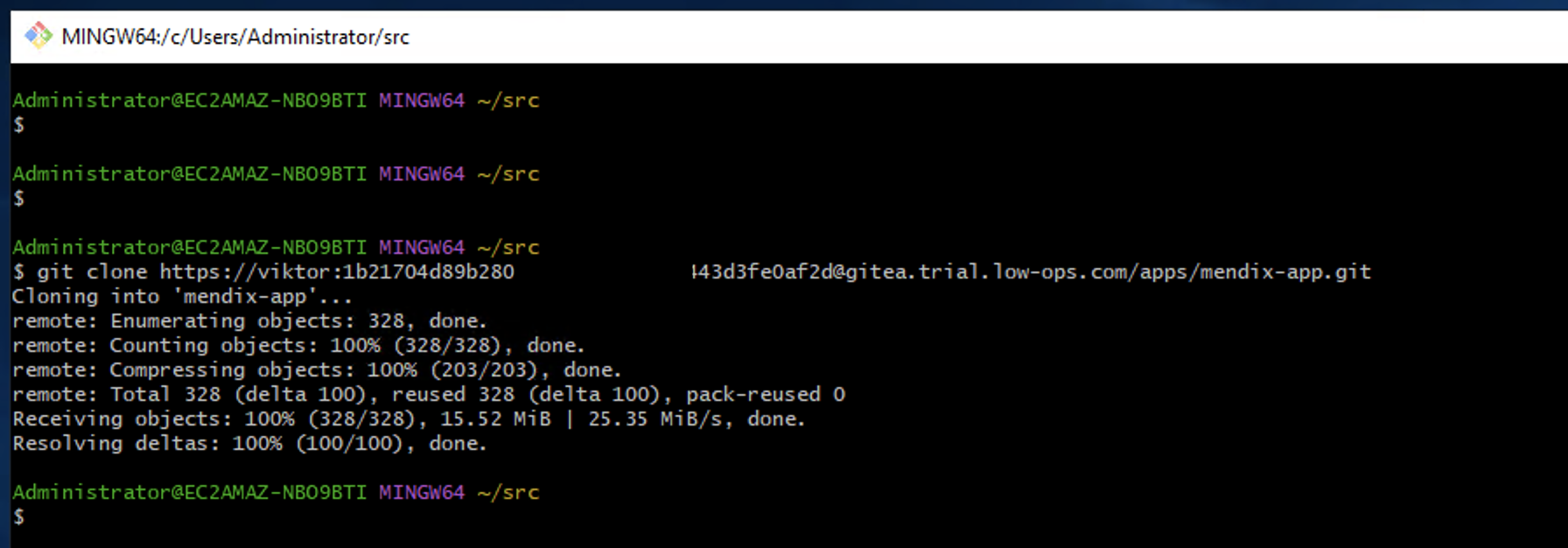
- Use Git-Bash to clone the Mendix project repository.
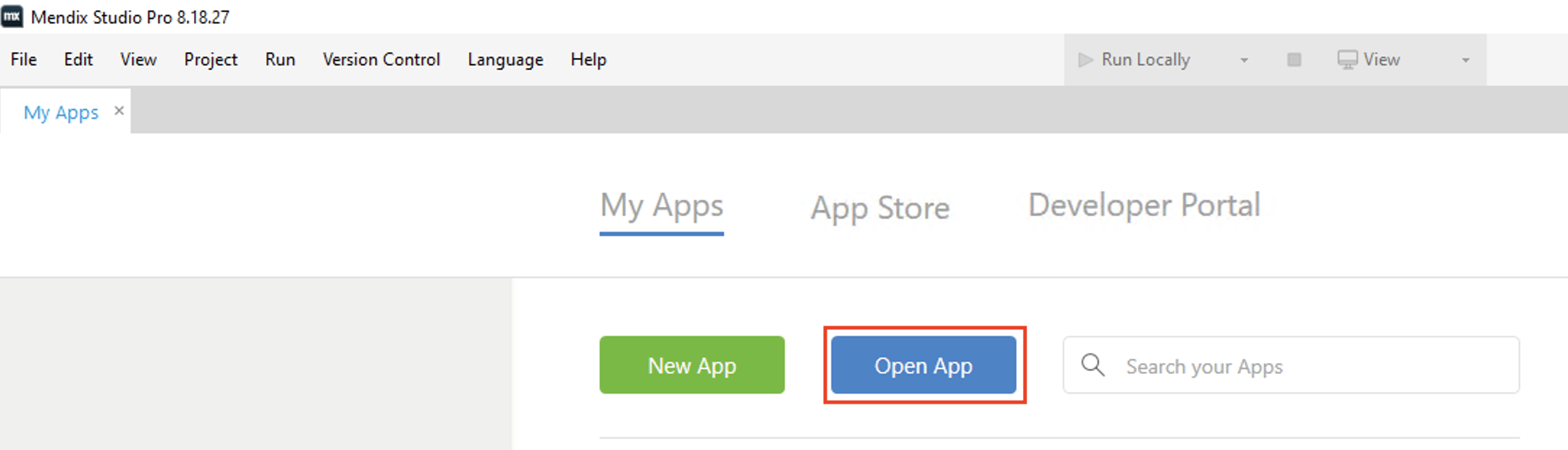
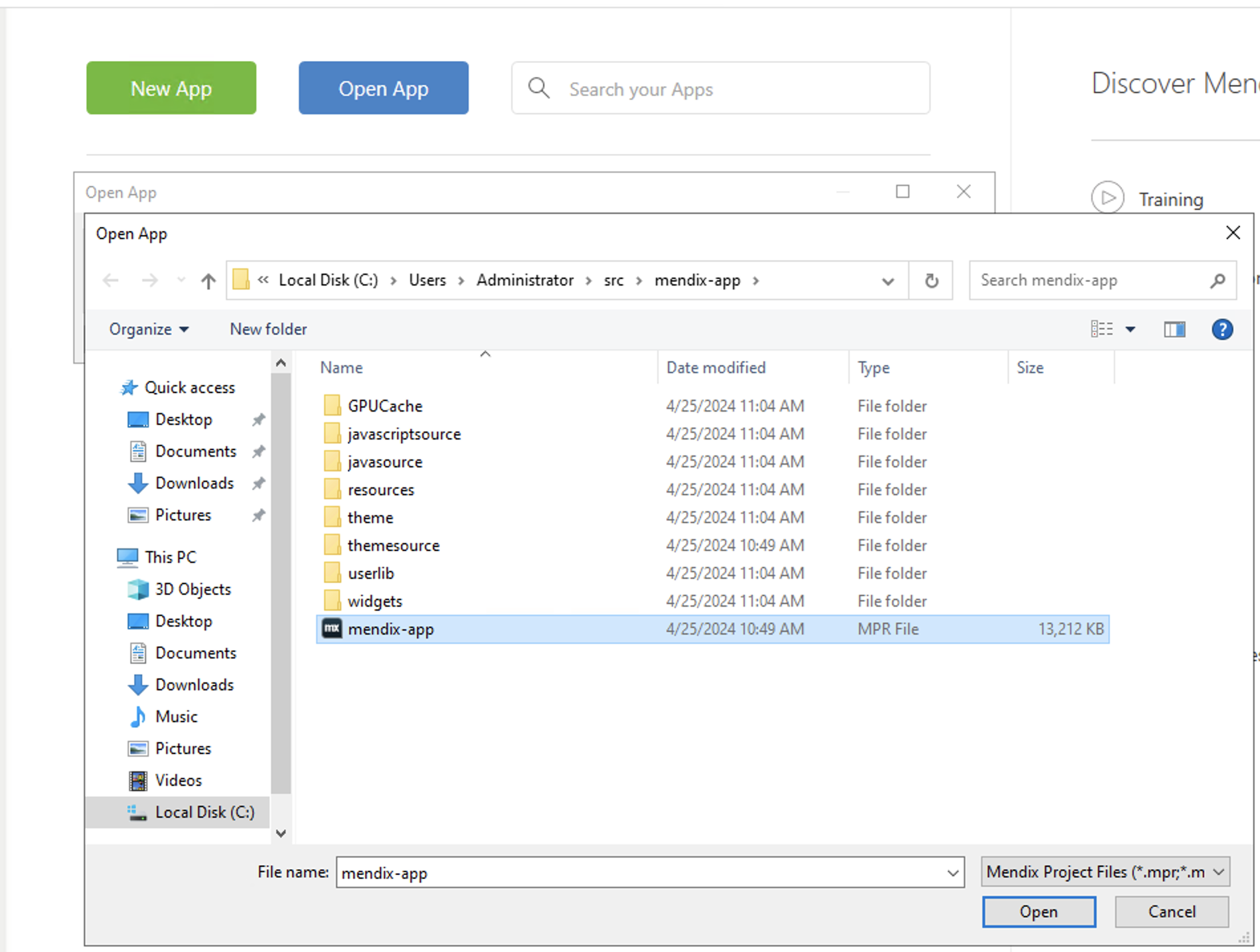
- Launch Mendix Studio Pro and click on "Open App".
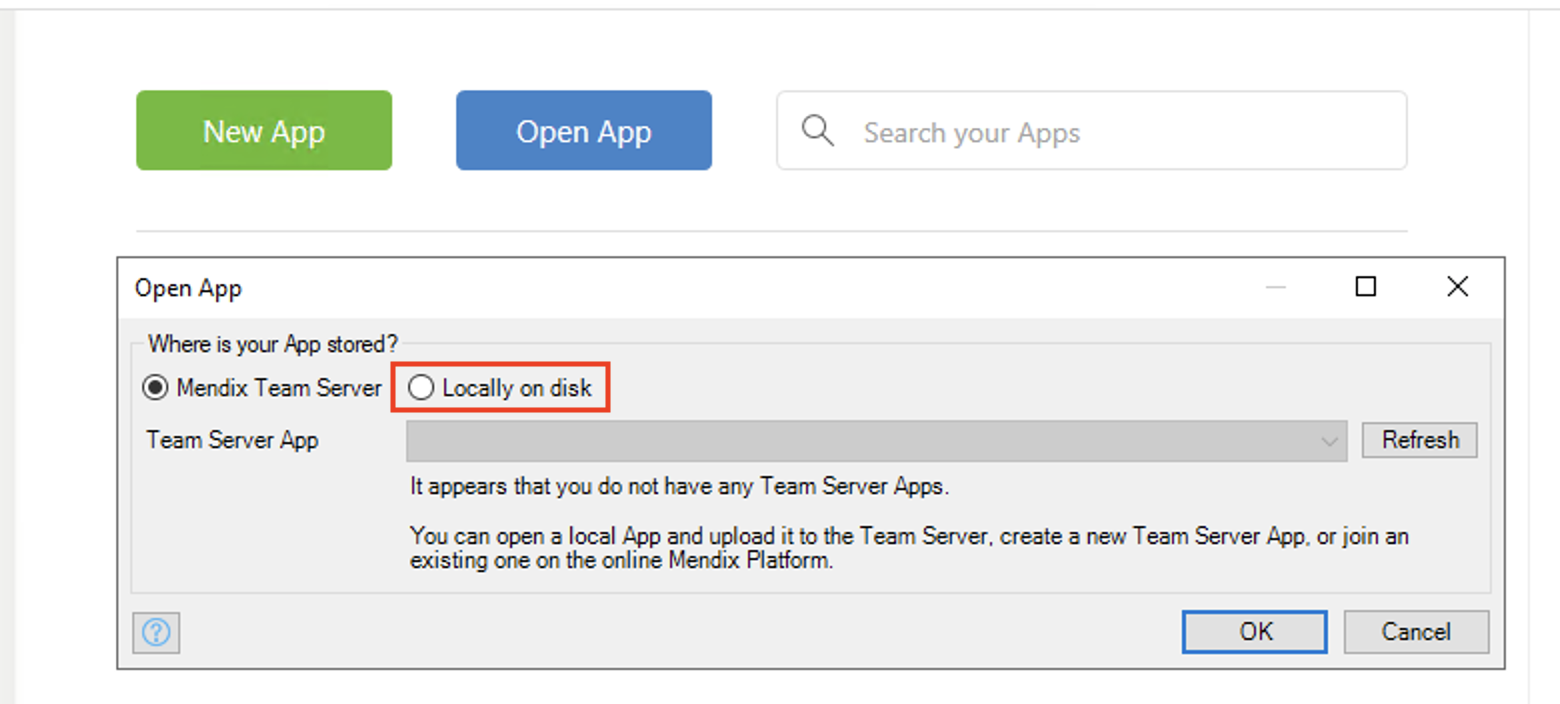
- Choose the "Locally on Disk" option.
- Navigate to the directory where the project was cloned and select the .mpr
file.
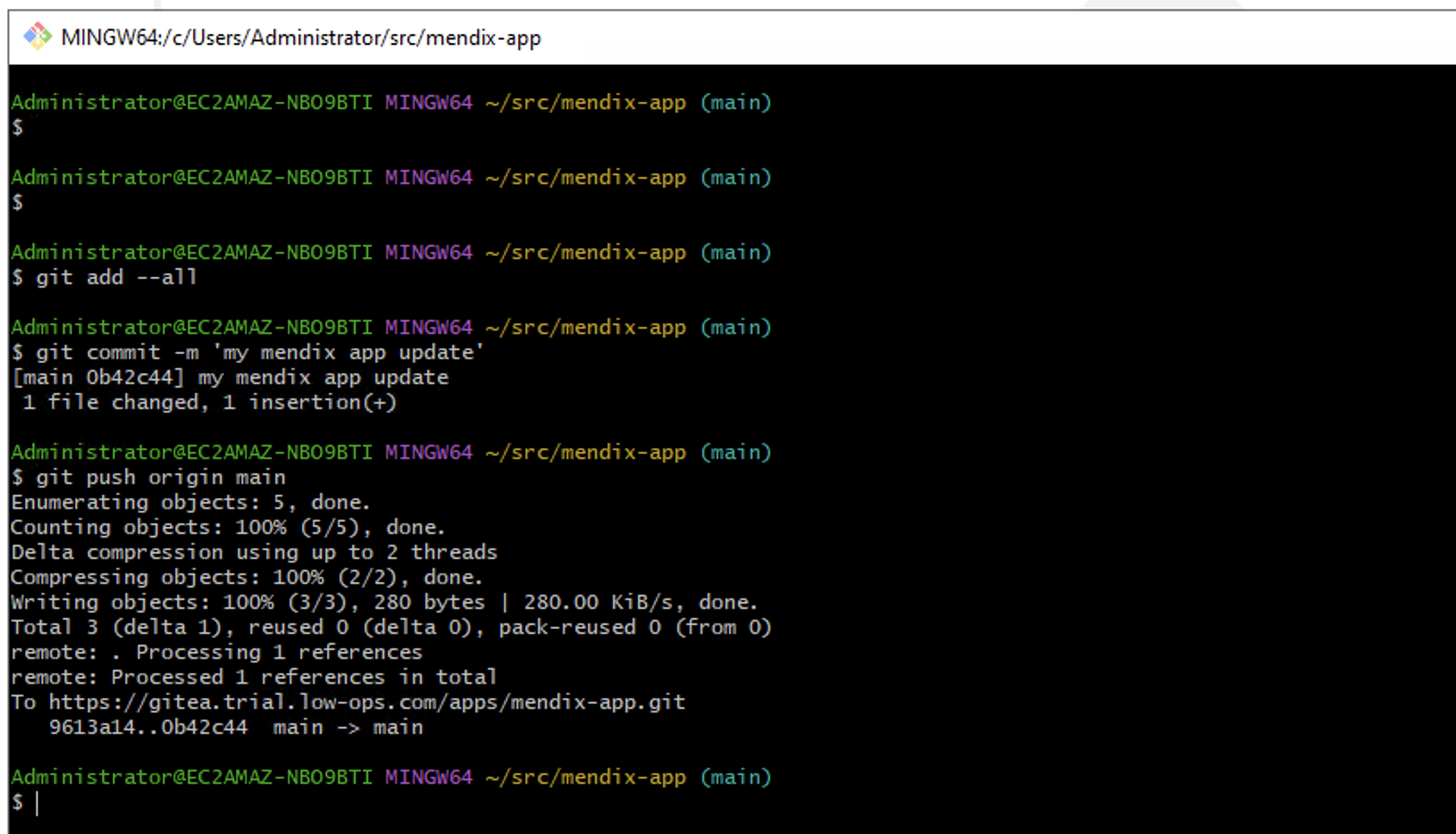
- After making changes to your application, return to Git-Bash and commit and
push the changes to the remote repository using Git commands.