License Management
Low-Ops requires a license key to activate your instance. This key is a unique identifier that unlocks your platform's features.
License Types
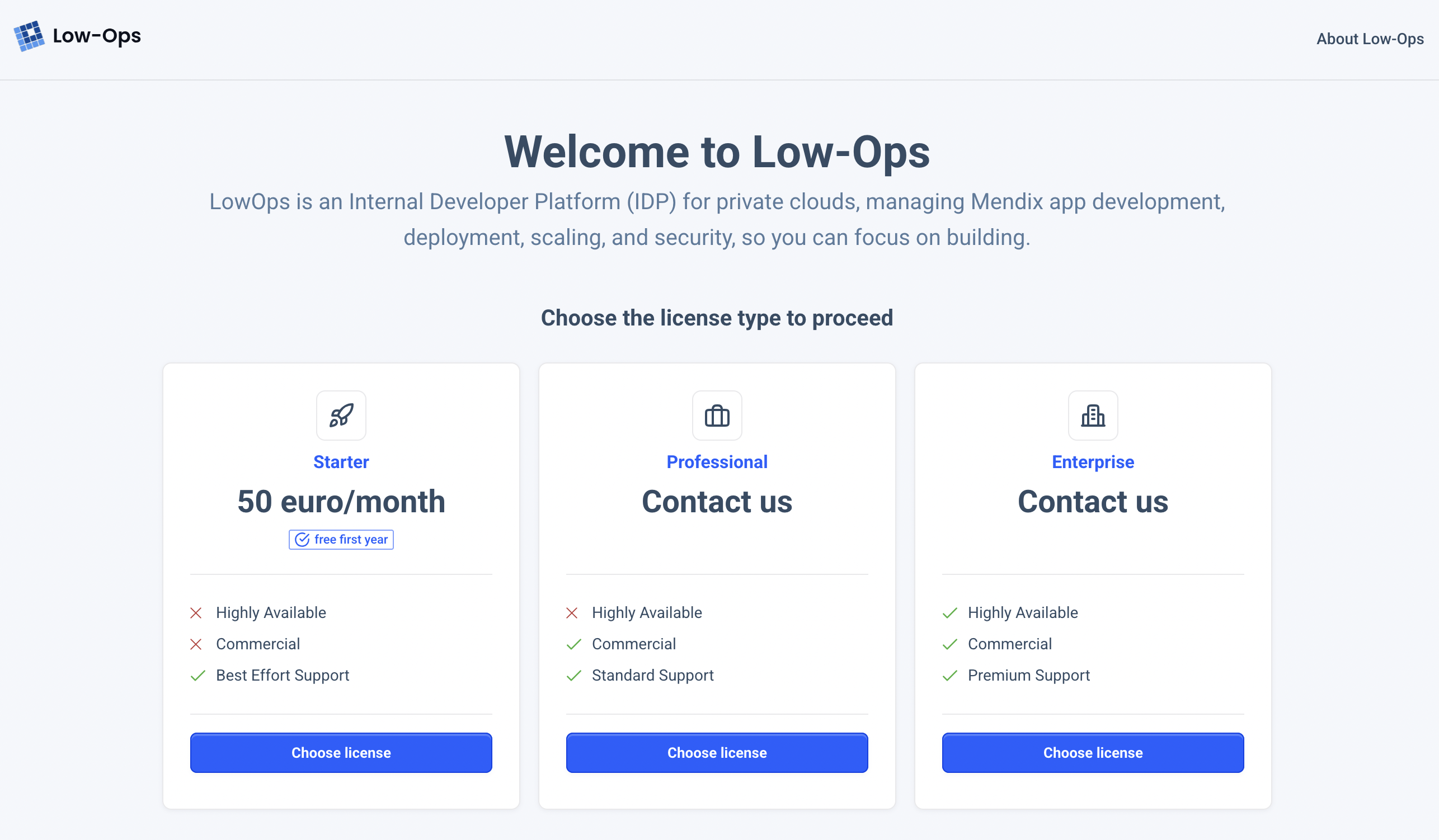
Choose the license that fits your needs:
Starter: Perfect for small teams getting startedProfessional: Ideal for medium-sized teamsEnterprise: Best for large organizations
Activating Your License
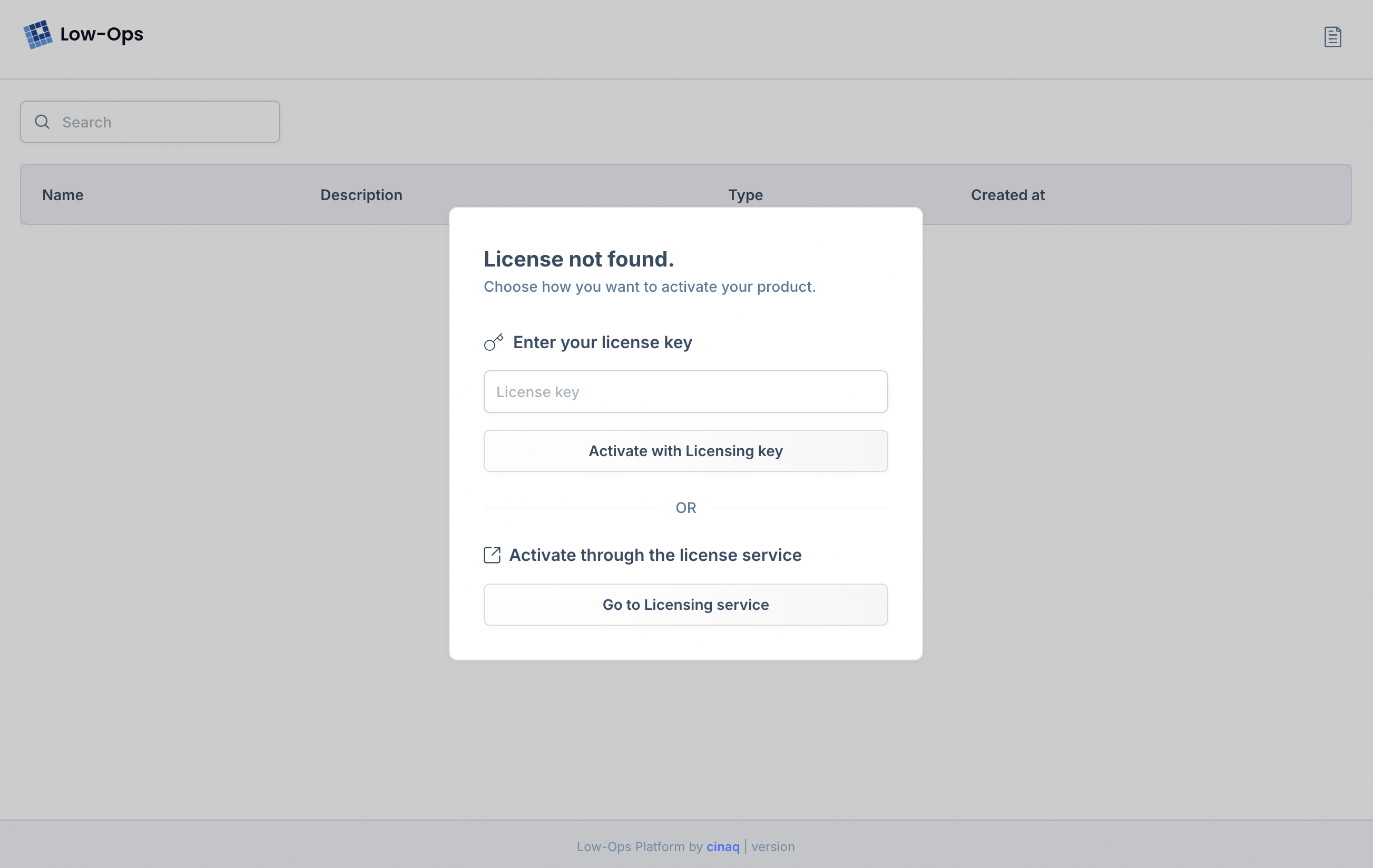
After logging in, you'll see a prompt to enter your license key. If you have one, enter it and click
Activate with License Key. If you need a license, click Go to Licensing service.
Getting a License
Follow these steps to get your license:
Step 1. Select License Type
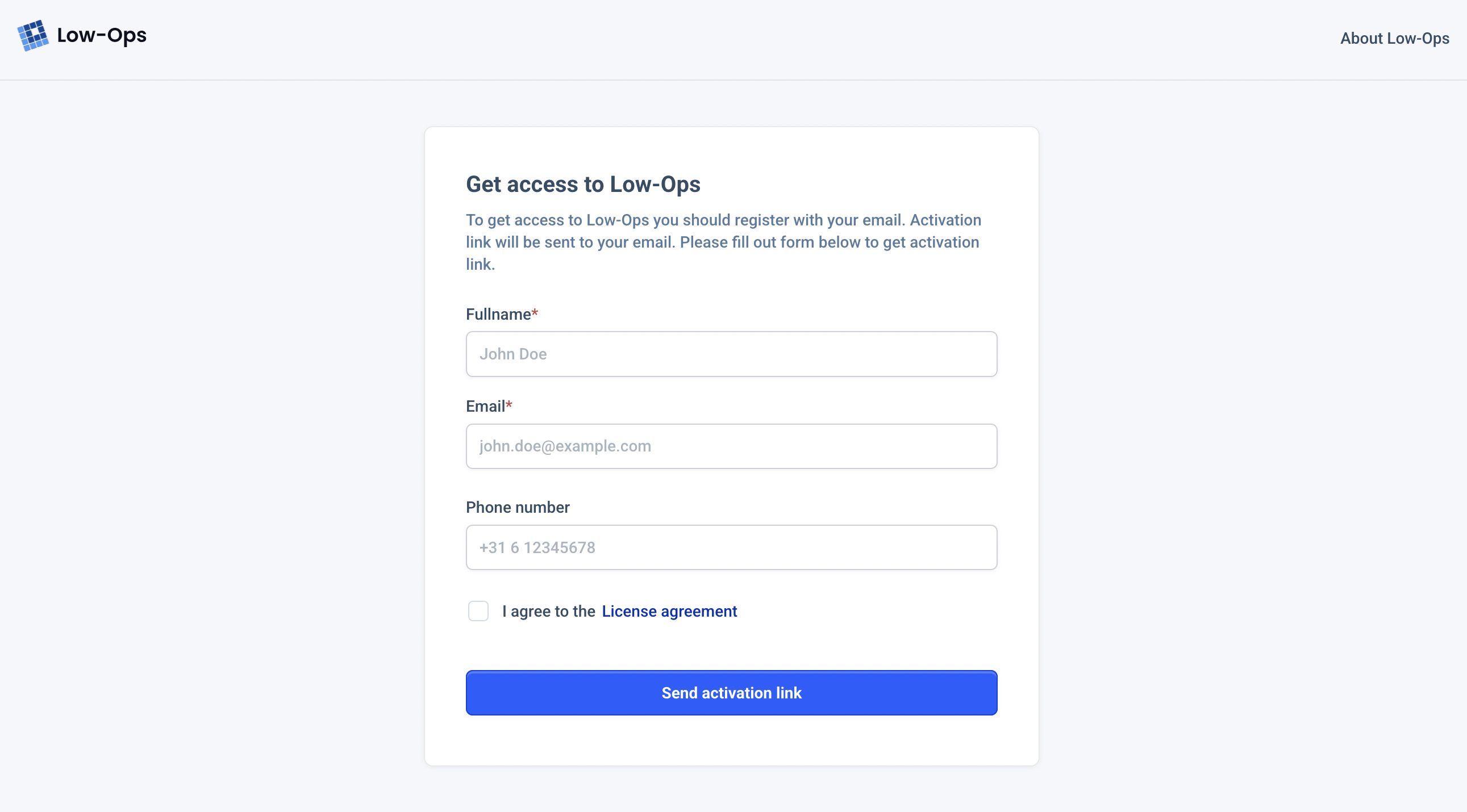
Step 2. Enter Your Information
Step 3. Check Your Email
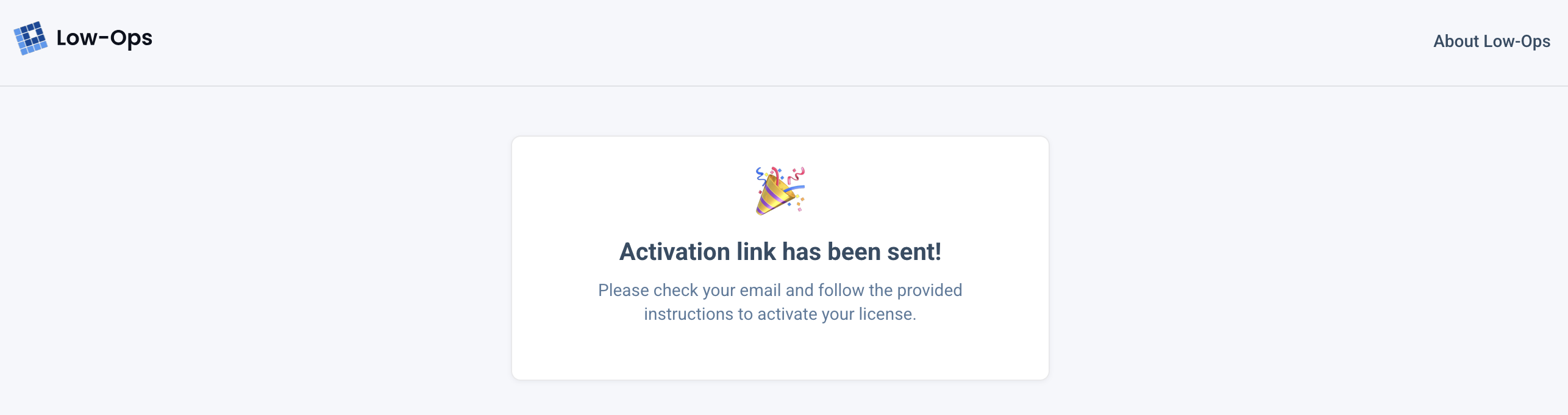
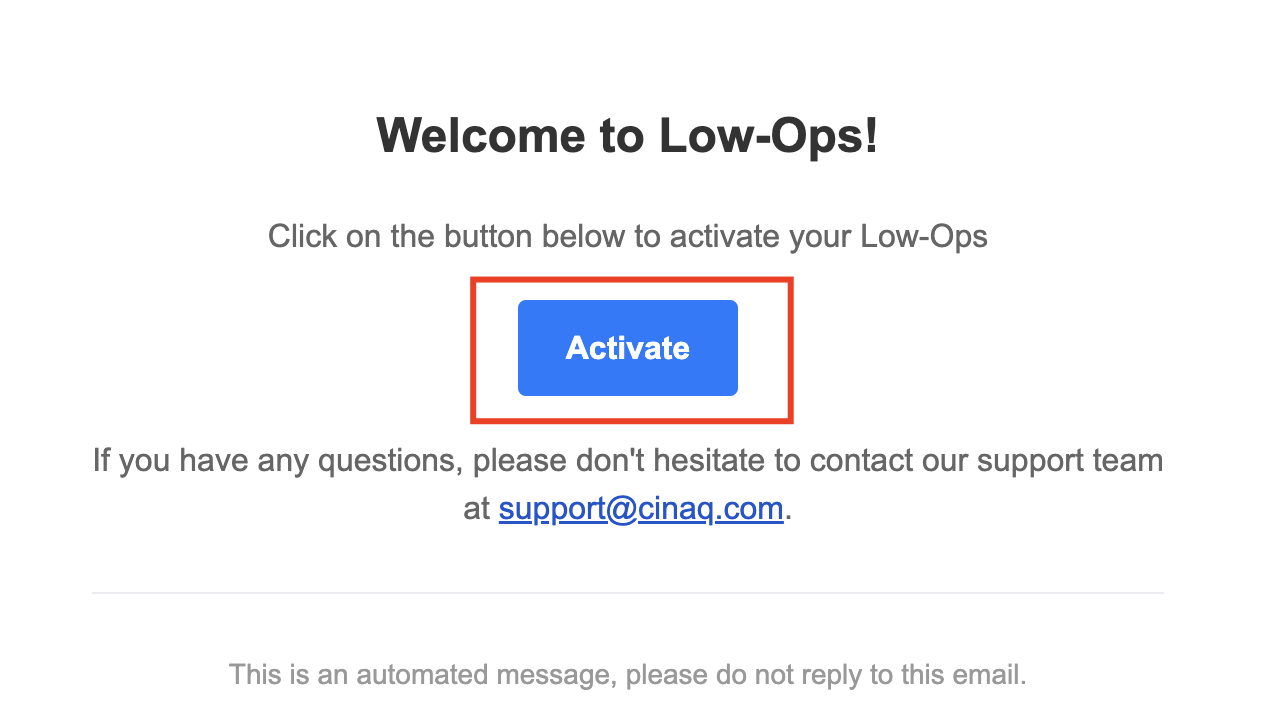
Click the Activate button in your email.
Step 4. Save Your License Key
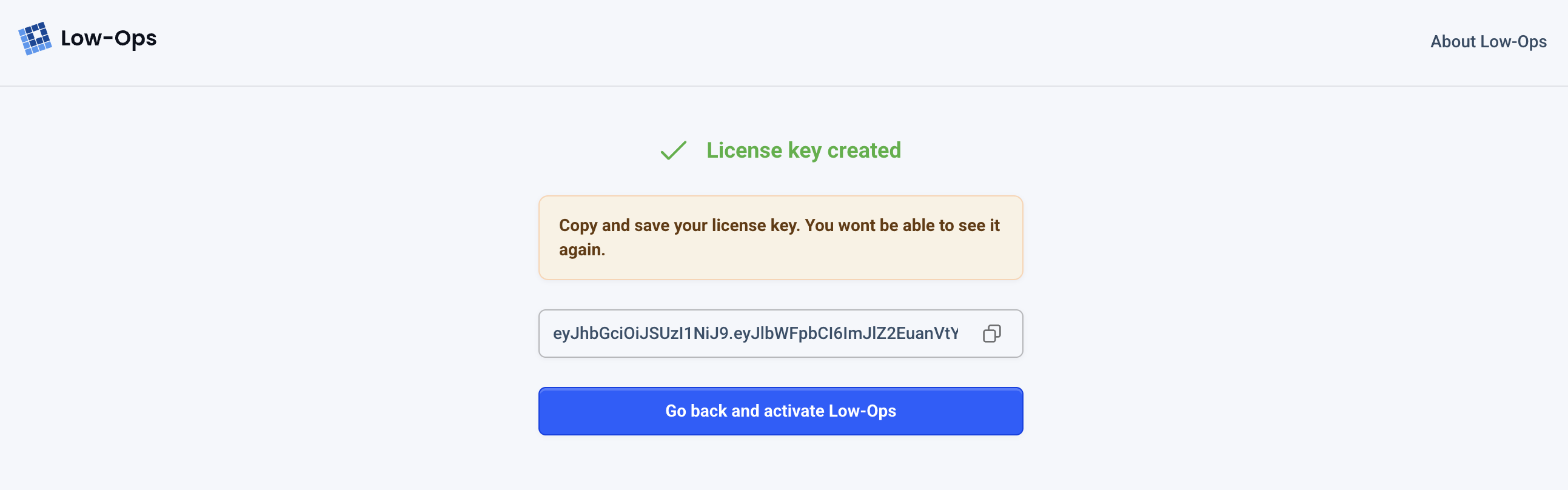
Copy and securely store your license key. You can paste it into Low-Ops or click Go back and activate Low-Ops.
🎉 Your Low-Ops instance is now activated!