Onboarding
Low-Ops supports onboarding applications using either predefined templates or your own custom templates.
You can onboard applications from two locations:
Applicationson the home screenAdmin Applicationsin the Admin section
Onboarding an Application
Step 1. Choose a Template
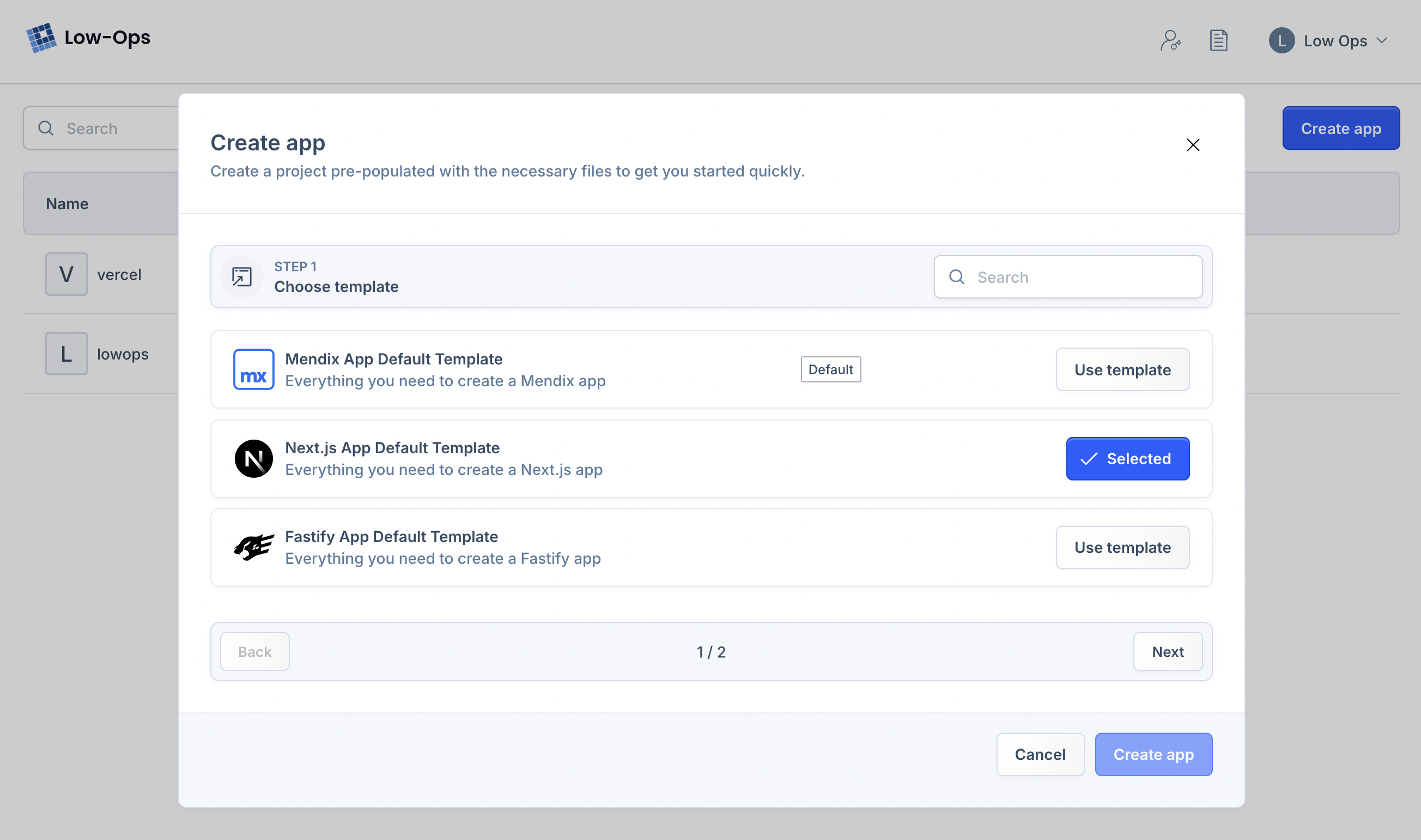
Select from predefined templates or upload your own custom custom template. How to upload a template
Step 2. Name Your Application
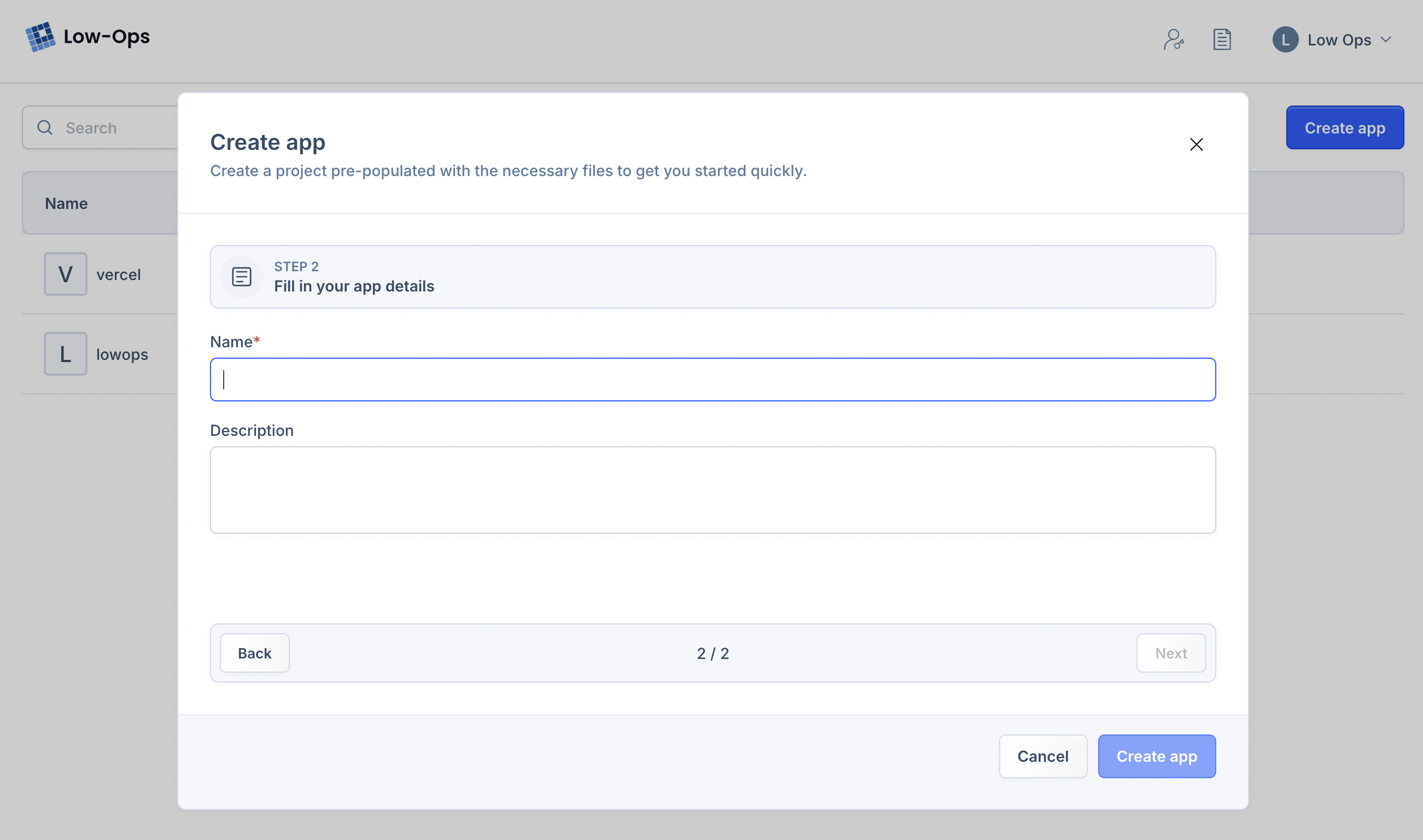
Give your application a unique name. This name cannot be changed later. Add a description to help identify its purpose.
Step 3. Create and Wait
Click Create to start the process. A loading indicator will show while your application is being created. Once
complete, you'll have access to your new application.
